VINCheckUp Review

VINCheckUp Review: Check a Used Car’s History Before You Buy

This VINCheckUp vehicle history report review explains how the service may help used car buyers research title records, accident history, odometer readings, recalls and other important records tied to a VIN.

Affiliate disclosure: this page may contain affiliate links. If you buy through our links, Only For U Deals may earn a commission at no extra cost to you. A vehicle history report is a research tool and should not replace a professional inspection.
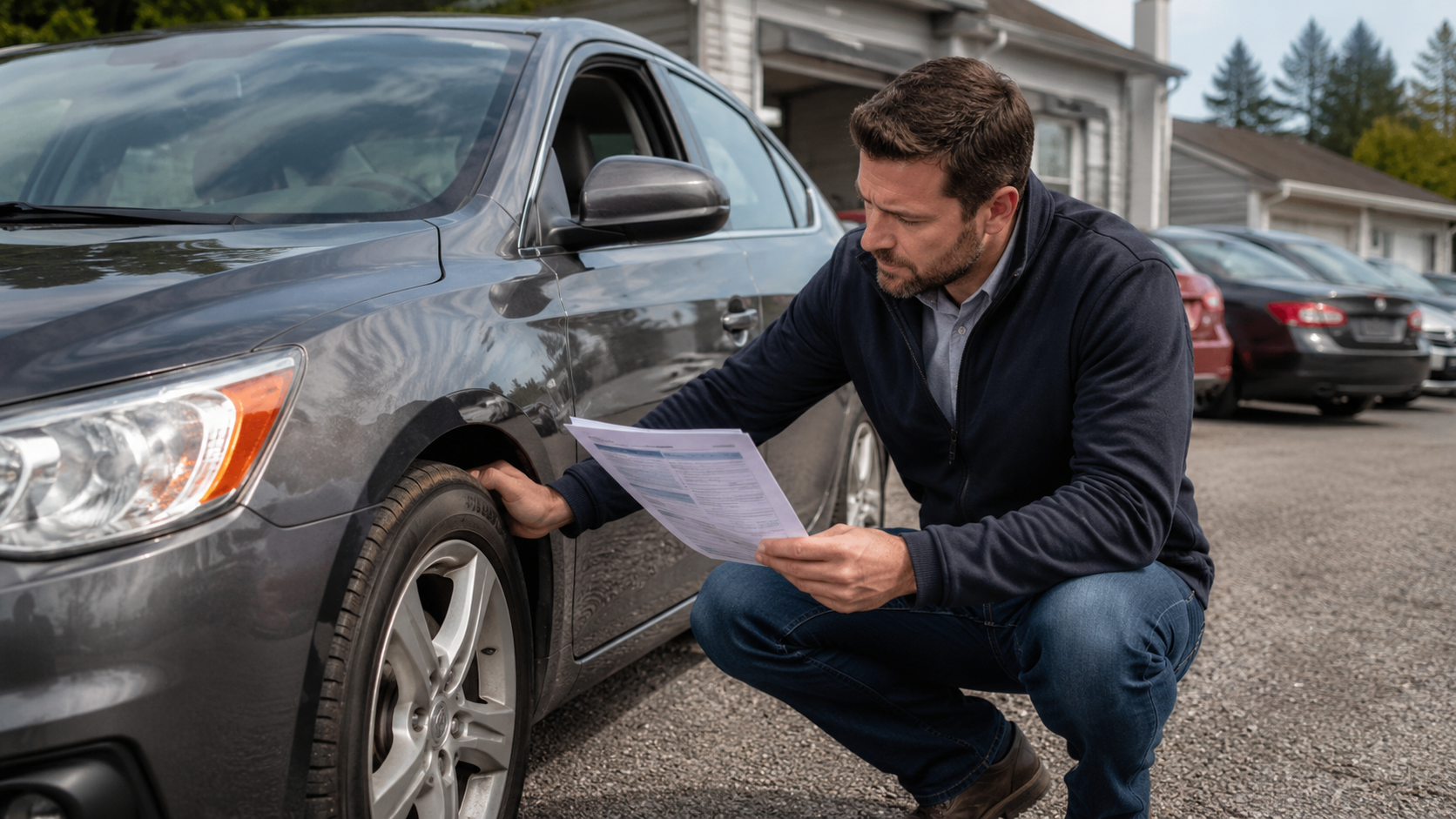
Buyer reviewing a vehicle history report before buying a used car
Quick Verdict

Our take on VINCheckUp

VINCheckUp may be useful if you are researching a used vehicle and want a structured report before making a decision. It can help surface records worth reviewing, but it should be combined with seller questions, title documents and a real inspection.

Best for

Used car buyers comparing one or more vehicles who want a practical first filter before contacting a seller, visiting the car, negotiating or making an offer.

Not for

Anyone expecting a report to guarantee the current mechanical condition or include every past event. Coverage depends on available data, and some accidents, repairs or other records may never appear.

Bottom line

VINCheckUp can help surface red flags early and may be a lower-cost way to screen vehicles before investing more time or money. The smartest decision still combines the report with documents, seller questions and a professional inspection.

What It Is

What is VINCheckUp?

VINCheckUp is a VIN lookup and vehicle history report service. The goal is to help buyers review available records connected to a vehicle before they commit to a used car purchase.

A report may include details related to accidents, title history, odometer readings, service events, theft records, sale and lien records, commercial use and other potential warning signs.

What this review covers

  • What VINCheckUp is designed to help you check
  • What a vehicle history report may reveal
  • What a report cannot guarantee
  • How the VIN check process works
  • How to use the report before buying a used car

Important: a vehicle history report can help you research a car’s recorded past, but it cannot guarantee the vehicle’s current condition. Always inspect the car and consider a pre-purchase inspection.

Report Details

What a VINCheckUp report may show

A vehicle history report can organize available records into a more useful buying checklist. Exact details may vary based on available data, but these are the types of records buyers often review.

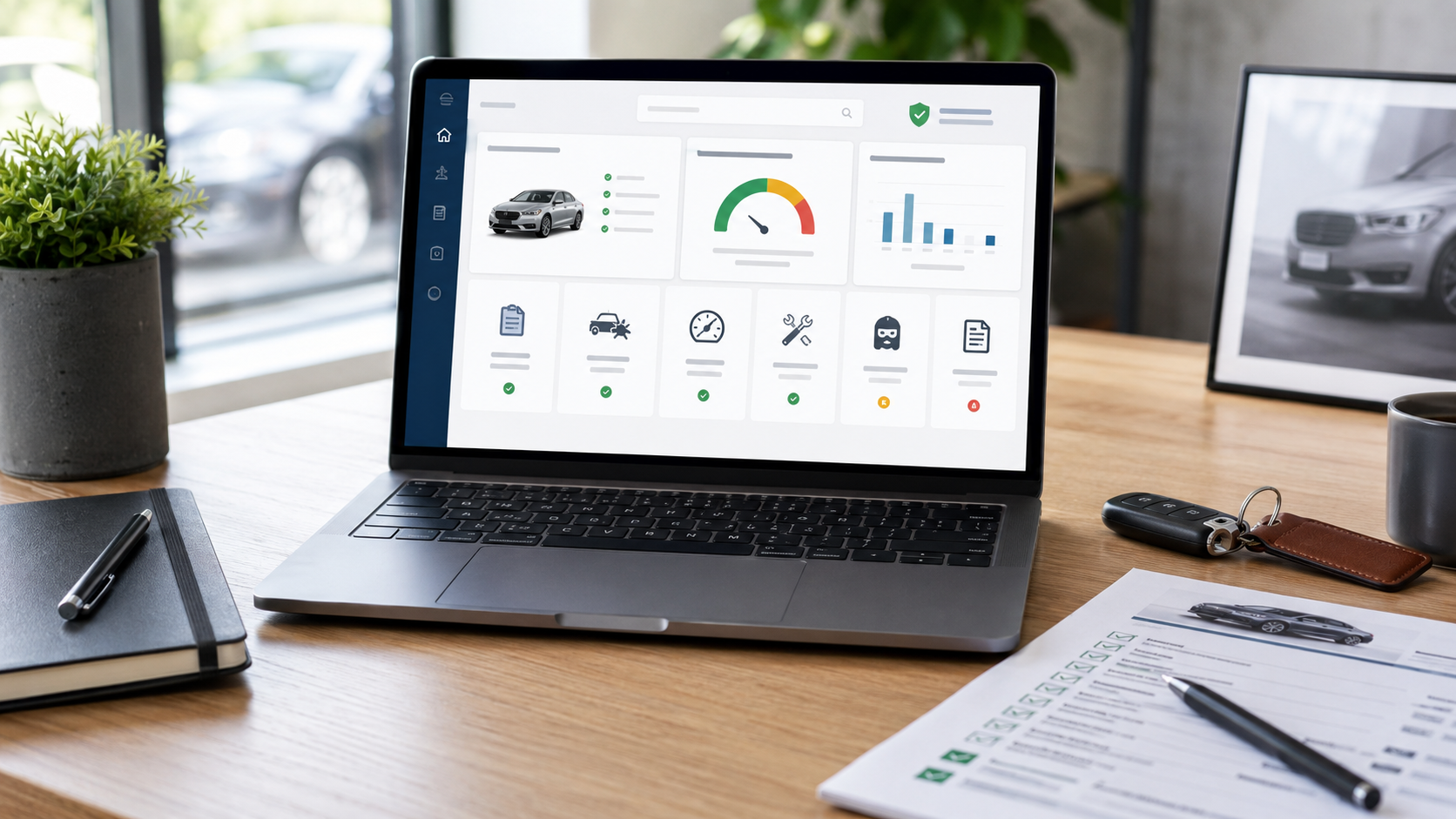
Vehicle history report dashboard showing VIN check details
Accident history icon

Accident history

Review available accident-related records and compare them with what the seller tells you.

Title check icon

Title check

Look for title brands such as salvage, rebuilt, junk, flood or other title concerns.

Odometer check icon

Odometer check

Compare mileage readings over time and look for possible rollback or inconsistency signals.

Vehicle recalls icon

Recalls

Check whether the vehicle may have recall-related records that deserve follow-up.

Service history icon

Service history

Some reports may include service or maintenance-related records when available.

Sale and lien records icon

Sale & lien records

Review sale activity, lien events or ownership-related records when they are available.

Commercial use history icon

Fleet or commercial use

Check for possible rental, taxi, police, government or fleet-related usage history.

Problem checklist icon

Theft and recovery records

Check for reported theft or recovery events tied to the VIN before spending more time or money on the vehicle.

Limitations

What a vehicle history report cannot guarantee

This is the part many buyers miss. A clean-looking report is helpful, but it does not automatically mean the car is problem-free. A report can only show information that was reported, recorded and made available through data sources.

Buyer inspecting a used car while checking a vehicle history report

Use the report with a real inspection

  • It cannot verify the current mechanical condition
  • It may not show unreported damage
  • It cannot judge repair quality
  • It may not include very recent events
  • It cannot replace a trusted mechanic

The best approach is to use the VIN report as a research tool, then compare it with the car’s physical condition, title documents and seller answers.

Practical tip: if the report and the seller’s story do not match, slow down. Ask for documents, inspect the car carefully and walk away if the explanation does not make sense.

How It Works

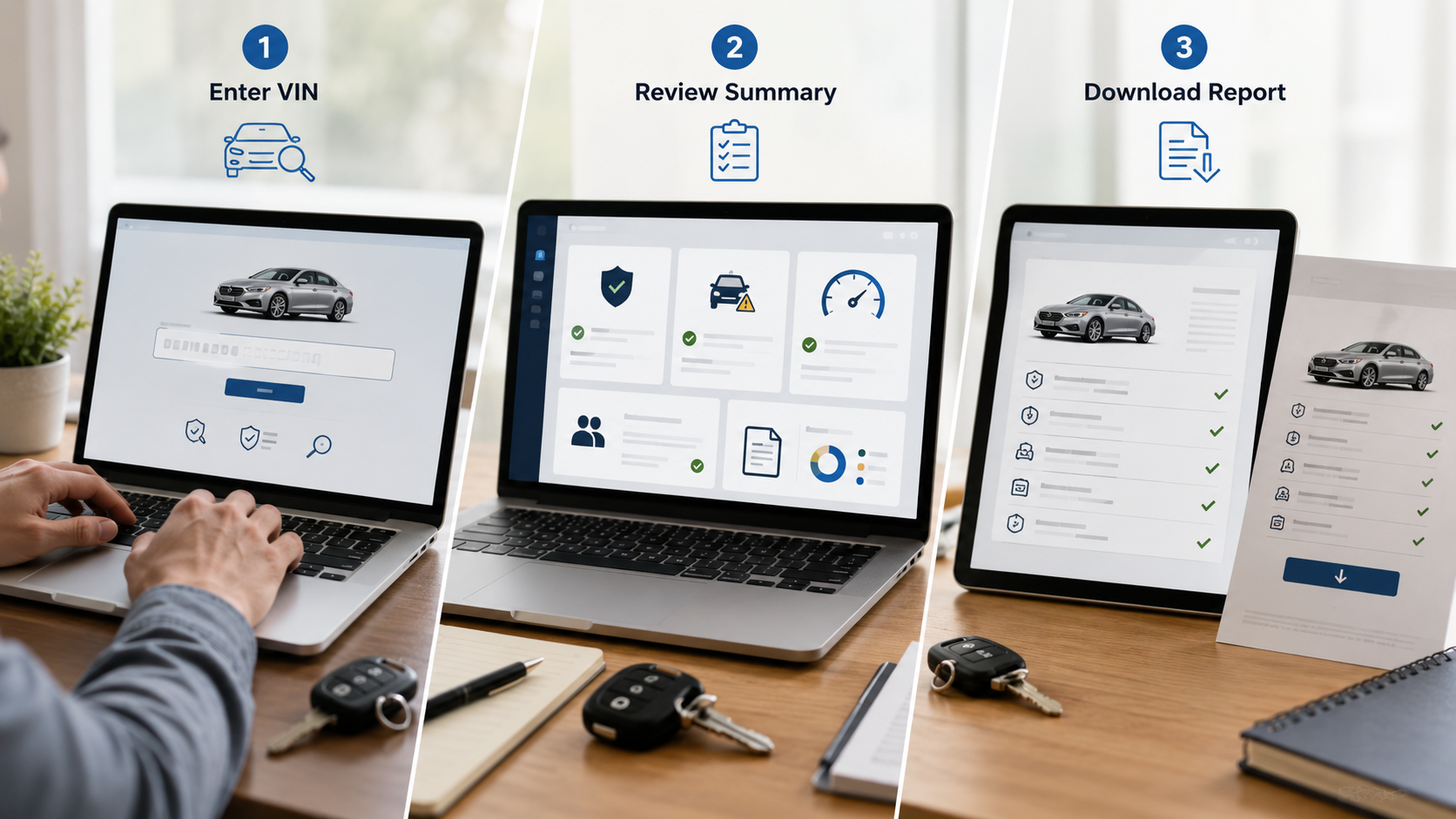
How to check a VIN in 3 simple steps

The process is simple: locate the VIN, review any preliminary lookup results, then decide whether a full report makes sense before you invest more time or money in the vehicle.

Three step VIN check process from entering a VIN to reviewing a report
1

Enter the VIN

Start with the vehicle’s 17-character VIN. You can usually find it on the dashboard, driver-side door jamb, title, registration or insurance documents.

2

Review preliminary results

Start with the available lookup information, then decide whether a full report makes sense. In the report, review title history, accidents, odometer readings, recalls and other available records.

3

Compare before buying

Use the report alongside the seller’s claims, the car’s condition and a pre-purchase inspection when possible.

Buyer Checklist

How to use VINCheckUp before buying

Use VINCheckUp as an early filter before contacting a seller, visiting the car, negotiating or paying for an inspection. Do not rely on one “good” or “bad” score; read the report and compare each important section with the actual vehicle.

If something looks unclear, ask direct questions before moving forward.

Before you make an offer

  • Confirm the VIN matches the vehicle and documents
  • Check for title brands or salvage records
  • Look for accident and damage records
  • Review odometer consistency
  • Check recalls and service-related records
  • Ask the seller to explain anything unusual
  • Consider a pre-purchase inspection
FAQ

Frequently asked questions

Is VINCheckUp worth using before buying a used car?

It can be worth using if you want to review available history records before buying. It should be used as one part of your research process, not as the only step.

Can a VIN report show accident history?

A vehicle history report may include reported accident records when available. However, unreported accidents or informal repairs may not appear.

Can VINCheckUp guarantee a car is problem-free?

No. A report can help you research recorded history, but it cannot guarantee the current mechanical condition or quality of past repairs.

Where can I find a vehicle’s VIN?

The VIN is often found on the dashboard near the windshield, inside the driver-side door jamb, and on title, registration or insurance documents.

Should I still get a mechanic inspection?

Yes. If you are serious about buying, a pre-purchase inspection from a trusted mechanic can help identify issues that may not appear in a history report.

Ready to check a vehicle’s history?

Use VINCheckUp to review available title records, accident history, odometer readings, recalls and other useful records before making a used car decision.

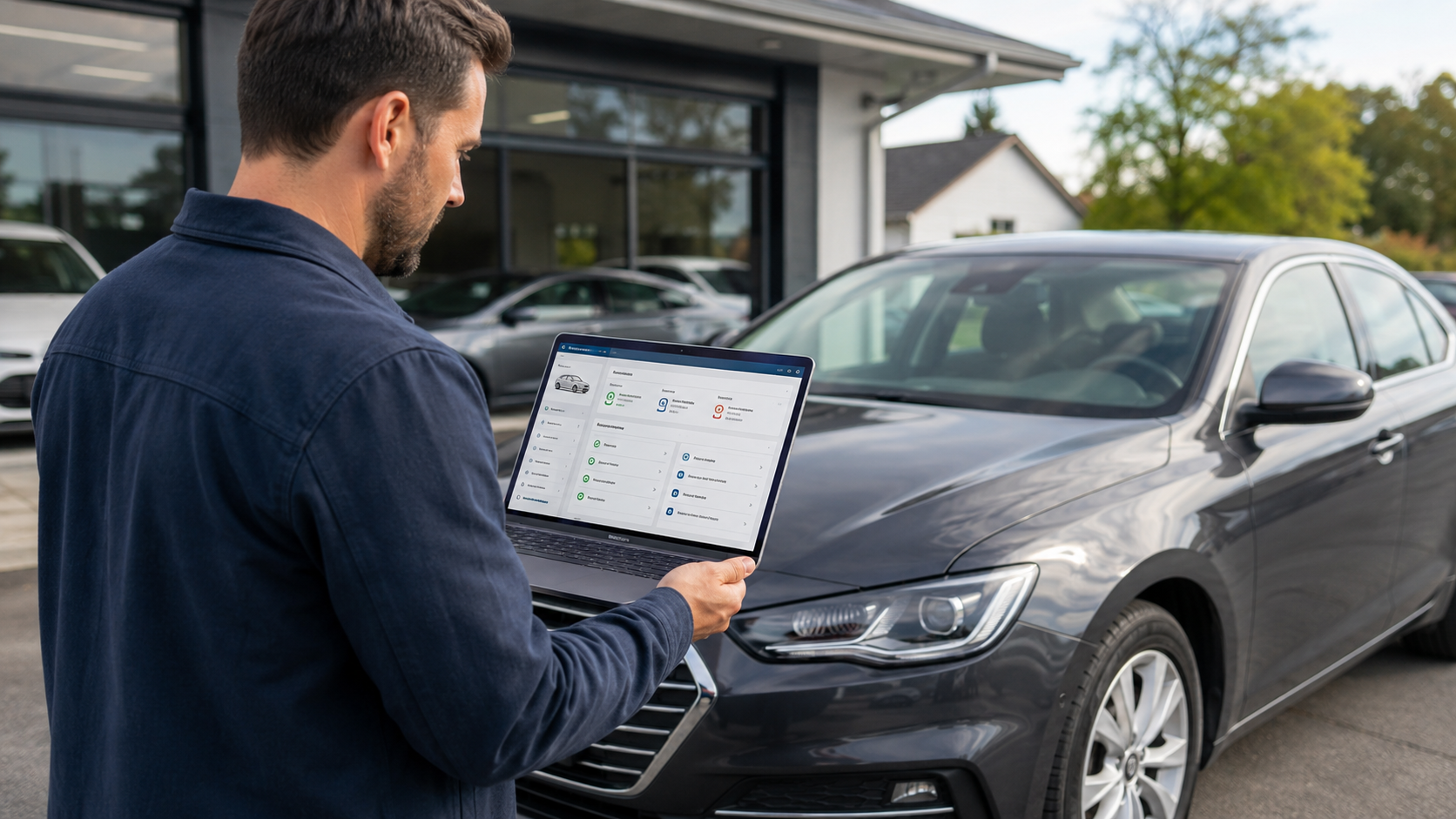
Vehicle history report review before buying a used car

Affiliate disclosure: Only For U Deals may earn a commission if you purchase through links on this page. This does not change the price you pay.

Vehicle history disclaimer: a VIN report is a research tool and may not substitute an actual vehicle inspection. Information availability can depend on the sources that report and aggregate vehicle records. Always review the vehicle, documents and seller information carefully before buying.

ClickBank is the retailer for some products promoted through affiliate links. ClickBank does not endorse, approve or review the claims made on this website.