Affiliate disclosure: This article may contain affiliate links. If you use our links, Only For U Deals may earn a commission at no extra cost to you.
A stolen vehicle check can help you identify a serious warning before buying a used car, but no single database can guarantee that a vehicle has never been stolen. Start with the VIN, compare it across the car and its documents, search the free NICB VINCheck service, and review title and history information before you pay or sign anything.
If a result shows an active theft record, a mismatched VIN, or suspicious title information, stop the transaction. Do not confront the seller. Save the listing and contact local law enforcement or the appropriate motor vehicle agency for guidance.
What does a stolen vehicle check actually show?
A stolen vehicle check searches a vehicle identification number against one or more record sources. The exact result depends on the service and the organizations that provide its data.
The free NICB VINCheck service can help determine whether a participating NICB member insurer reported a vehicle as stolen and unrecovered. It can also search certain salvage records.
That is useful, but it is not a national guarantee. NICB states that its information is limited, is not independently verified by NICB, and does not include every vehicle reported stolen. A clean result means that the searched database did not return a covered record—not that the vehicle has a perfectly clean history.
How to check whether a vehicle may be stolen
1. Get the complete VIN before meeting the seller
Ask for the full 17-character VIN while you are still evaluating the listing. Most modern vehicles use a 17-character VIN, although older vehicles may use a different format.
A seller who refuses to provide the VIN, sends only part of it, or pressures you to pay before you can verify it creates unnecessary risk. There may be an innocent explanation, but you should not proceed until the identifying information is available.
2. Decode the VIN and confirm the vehicle details
Use the official NHTSA VIN Decoder to confirm information encoded by the manufacturer. Compare the model year, make, vehicle type, engine information, and manufacturing details with the seller’s description.
A decoder does not show theft history. Its job in this process is to reveal whether the VIN describes the same kind of vehicle that is being advertised.
3. Search NICB VINCheck
Enter the VIN directly on NICB’s official website and read the result carefully. Avoid treating an advertisement, a copied screenshot, or a seller-provided result as a substitute for running the search yourself.
If NICB returns a theft record, pause immediately. Confirm the VIN you entered, preserve the listing and messages, and seek instructions from law enforcement. Do not attempt to investigate or recover a suspected stolen vehicle yourself.
4. Review NMVTIS title and brand information
The National Motor Vehicle Title Information System is overseen by the U.S. Department of Justice and is designed to help protect consumers from fraud and unsafe vehicles while making it harder to resell stolen vehicles.
Consumers obtain NMVTIS information through an approved provider. A report can include title data, brand history, the latest reported odometer reading, salvage or total-loss information, and theft history when available. It is intentionally focused and may not include repair, maintenance, or every accident record.
5. Compare the VIN in every available location
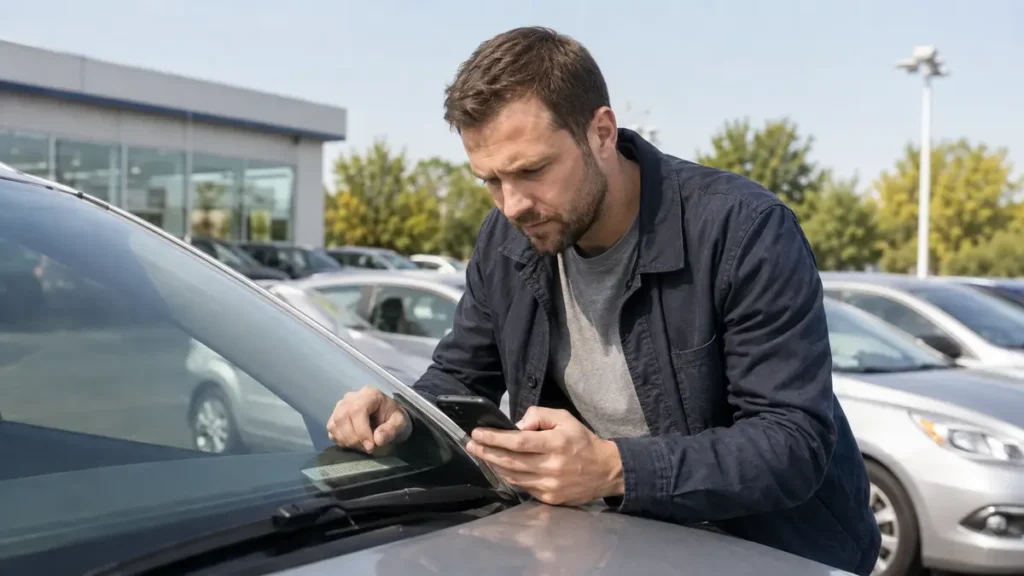
When you see the car, compare the VIN shown in the listing and report with the VIN on the vehicle and its documents. Common locations include the dashboard near the windshield and the driver-side door jamb. Also compare the title, registration, seller’s identification, service documents, and financing or lien information when applicable.
Every character should match. A single difference can point to a typing error, the wrong report, altered documentation, or a more serious identity problem.
Warning signs of VIN cloning or altered identification
VIN cloning occurs when identifying information from a legitimate vehicle is used to disguise another vehicle, which may be stolen or otherwise problematic. A database search can appear clean when the searched VIN belongs to a different car.
Look more closely when you find:
- different VINs on the dashboard, door label, title, or registration;
- scratched, loose, misaligned, painted-over, or recently replaced VIN plates or labels;
- vehicle specifications that do not match the decoded VIN;
- documents with inconsistent fonts, spacing, names, mileage, or state information;
- a seller whose identification does not match the name on the title;
- pressure to pay in cash, meet in an unusual location, or skip the title transfer process;
- a price far below comparable vehicles without a credible explanation.
None of these signs proves theft by itself. They do justify stopping the purchase until the vehicle and documents can be properly verified.
Why a clean NICB result is not enough
A free theft search answers a narrow question using a limited set of records. It may miss a recently reported theft, a record outside the participating sources, a recovered vehicle, or a vehicle using a cloned VIN.
| Check | What it helps verify | Important limitation |
|---|---|---|
| NHTSA VIN Decoder | Manufacturer-encoded vehicle details | Does not provide theft or ownership history |
| NICB VINCheck | Certain unrecovered theft and salvage records | Does not include every stolen or salvage vehicle |
| NMVTIS report | Title, brands, odometer, salvage and some theft data | Does not contain every repair, accident, or maintenance event |
| Commercial history report | May combine additional accident, ownership, auction, or service data | Coverage depends on reported data |
| Independent inspection | Current physical and mechanical condition | Does not replace title and identity checks |
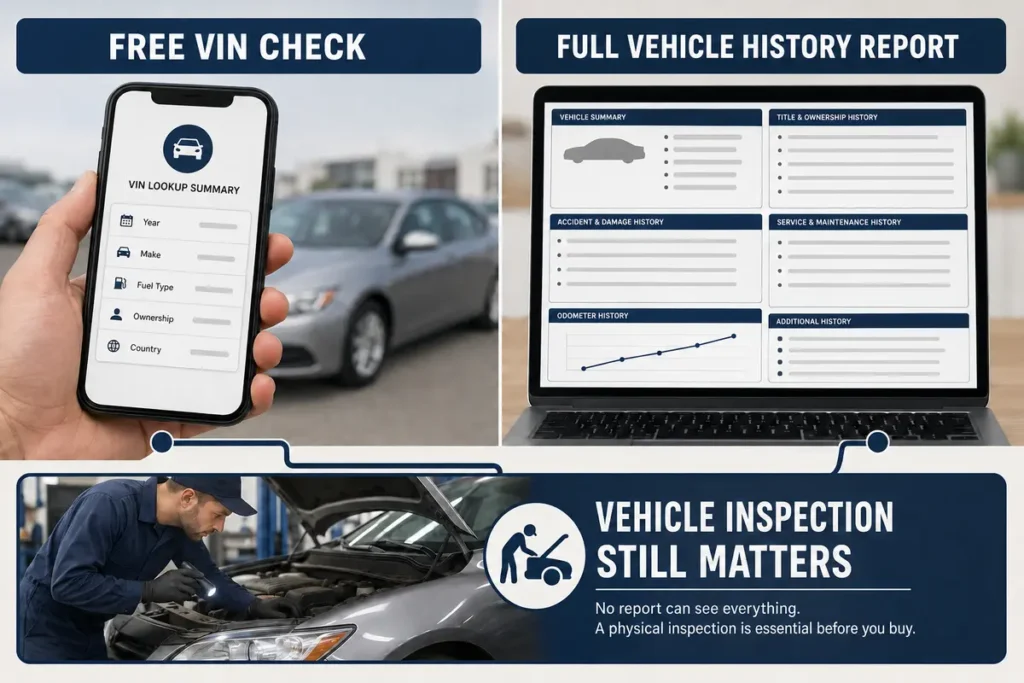
Use these checks together. Our free VIN check guide explains what you can learn without paying and when a broader report may still be useful.
What to do if a theft record appears
- Stop the transaction. Do not send money, sign documents, or take possession.
- Verify the VIN entry. Check every character to rule out a simple typing mistake.
- Preserve evidence. Save the listing, messages, seller details, VIN, payment requests, and search result.
- Avoid confrontation. Do not accuse the seller or try to hold the vehicle.
- Contact the appropriate authority. Local law enforcement or your state motor vehicle agency can explain the correct next step.
If you already paid or discovered the issue after purchase, seek legal or law-enforcement guidance promptly. The correct procedure depends on the facts and your state.
Complete the rest of the used-car review
Theft is only one part of vehicle risk. A car can pass a stolen vehicle check and still have title brands, flood damage, odometer inconsistencies, unreported repairs, open recalls, liens, or mechanical problems.
Use our used-car history checklist, review the vehicle history report red flags, and compare the findings with an independent inspection before making a final decision.
Need a broader vehicle history search?
A more complete report may help you review available title, accident, odometer, theft, salvage, auction, and ownership information in one place. Coverage varies, so a report should be treated as a research tool rather than a guarantee.
Read our VINCheckUp vehicle history report review to understand what the service may show and which limitations still matter.
Frequently asked questions
Can I check a VIN for theft for free?
Yes. NICB VINCheck provides a free search for certain unrecovered theft and salvage records reported by participating member insurers. Its coverage is limited, so use it with title, history, document, and physical checks.
Does a clean VIN check prove a car is not stolen?
No. A clean result means the searched source did not return a covered record. Reporting delays, missing sources, recovered vehicles, and VIN cloning can limit what a search reveals.
What if the VIN does not match the title?
Do not continue the purchase until the discrepancy is explained and verified through the appropriate motor vehicle authority. A mismatched VIN can indicate incorrect paperwork or a serious identity problem.
Final takeaway
A stolen vehicle check is an essential early filter, not a complete approval. Verify the VIN, search NICB, review NMVTIS and other available history data, compare every document, and inspect the actual vehicle. If anything conflicts, pause before money changes hands.